Listen Notes
•

tEST
How does this integration work?

First, Select your podcast
Second, Copy podcast embed code Listen Notes
Then, Paste code on /embed and your podcast has successfully appeared on your website
Uses.
Listen Notes is the best podcast search engineTM. It's like Google, but for podcasts. Search the whole Internet's podcasts. You can display a preview of a podcast on your website by embedding the podcast via typedream embed
Step 1: Find the embed code
- Select the podcast you want to display on your website.
- On ListenNotes.com, you can find the embed code on share button. You just need to click the share button and copy the embed code provided
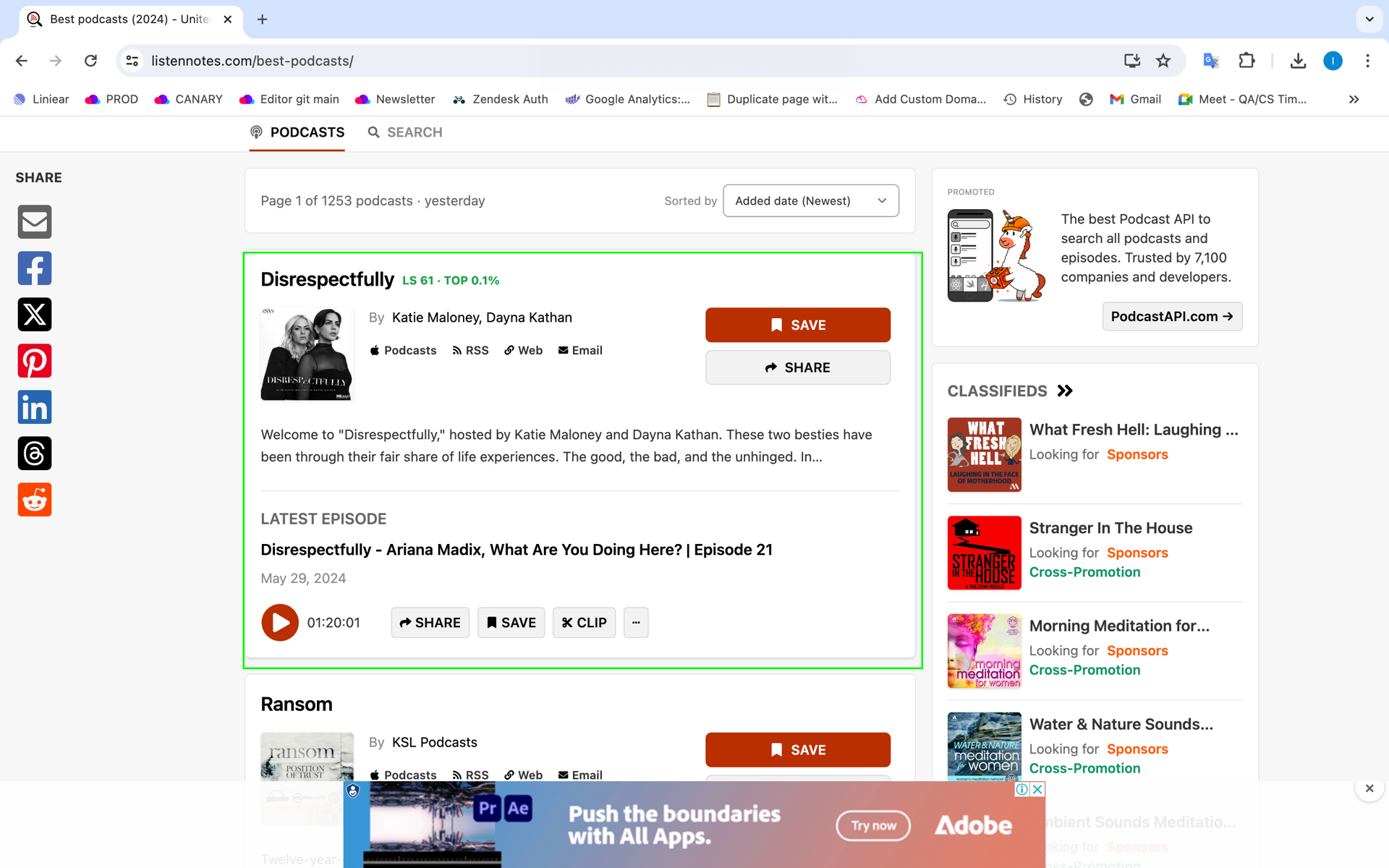
Step 1: Find the embed code
- Search for the location that you want to display on your website by typing the keyword location
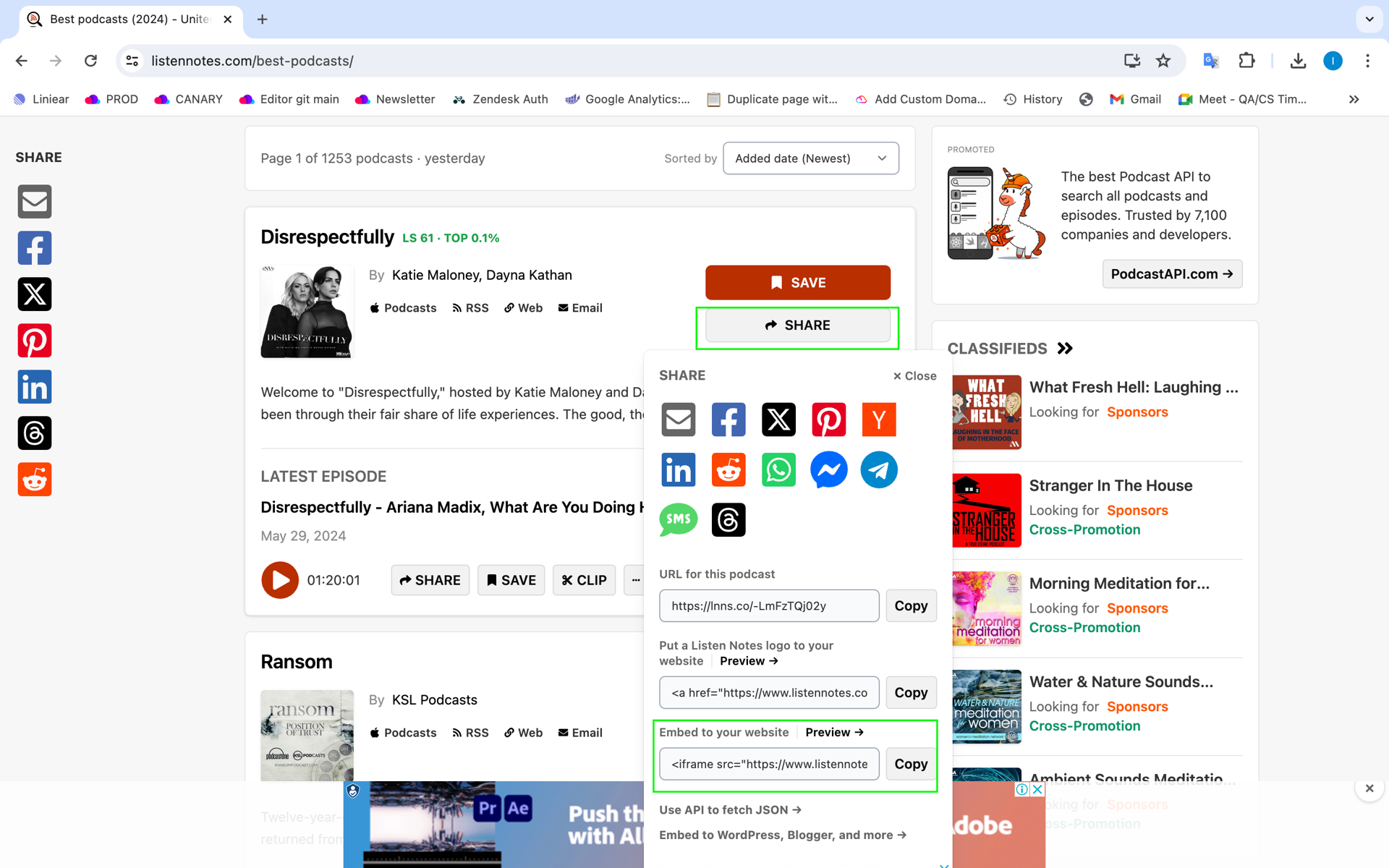
Step 2: Paste embed code on Typedream
- Go to Typedream editor and type /embed. Paste embed code on code section and click insert button
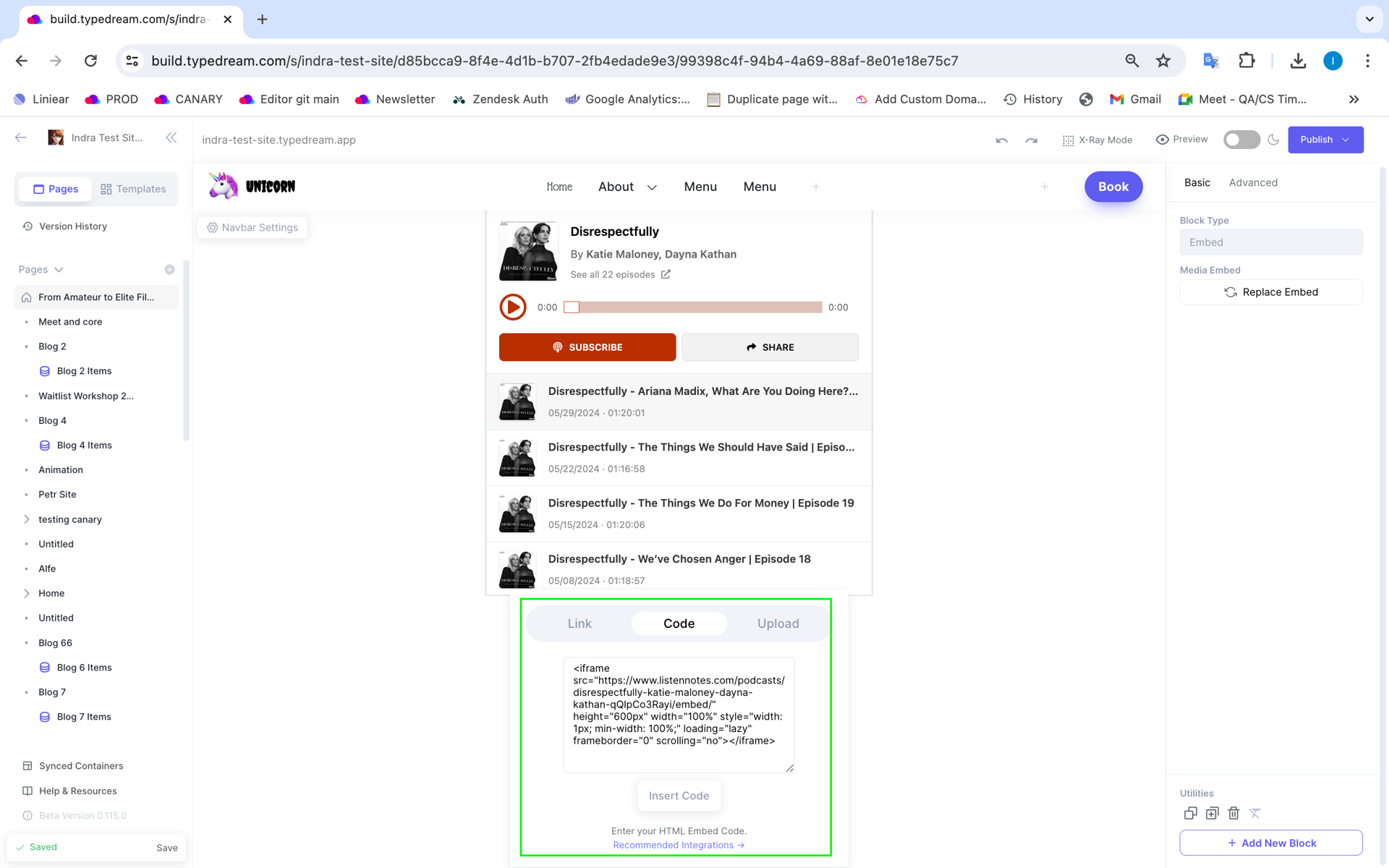
2.If the embed code is executed successfully, the podcast preview will appear in the editor and of course will appear in preview and domain mode
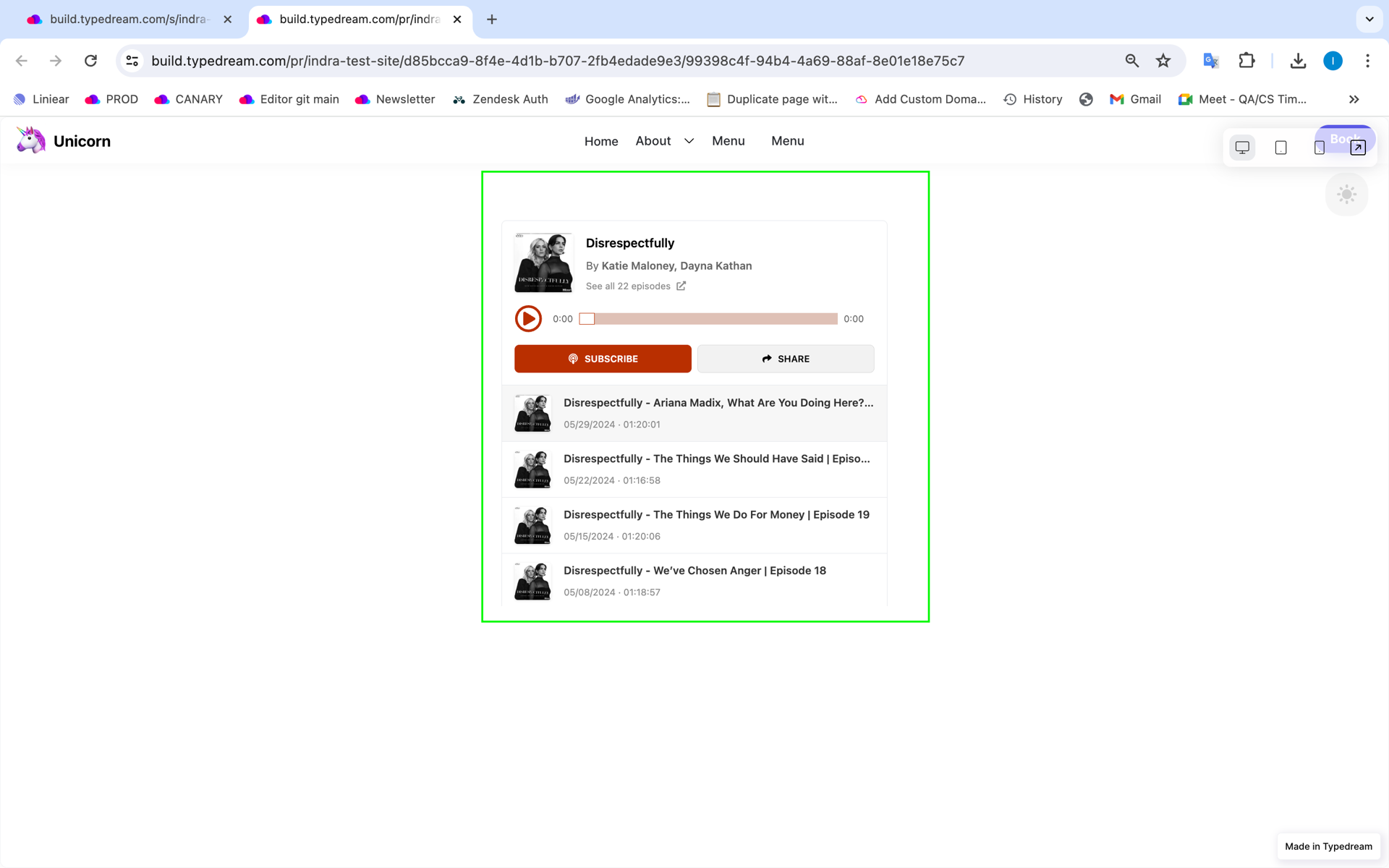
That's it !
For more details, you may check on video guide below
Done!
But wait, what's Google maps?


Listen Notes is the best podcast search engineTM. It's like Google, but for podcasts. Search the whole Internet's podcasts. Curate your own podcast playlists. Listen on your favorite podcast player apps. Listeners find ALL podcast episodes interviewing or talking about a person.Journalists do research and find information in podcasts.Students learn specific topics from podcasts.Podcasters find cross-promotion opportunities.Developers use Listen API to build podcast apps.
Start building your dream site today.
The world needs to see your awesome idea.
See More Posts

Cardy
Copyright © 2021 Govest, Inc. All rights reserved.
Made in Typedream